
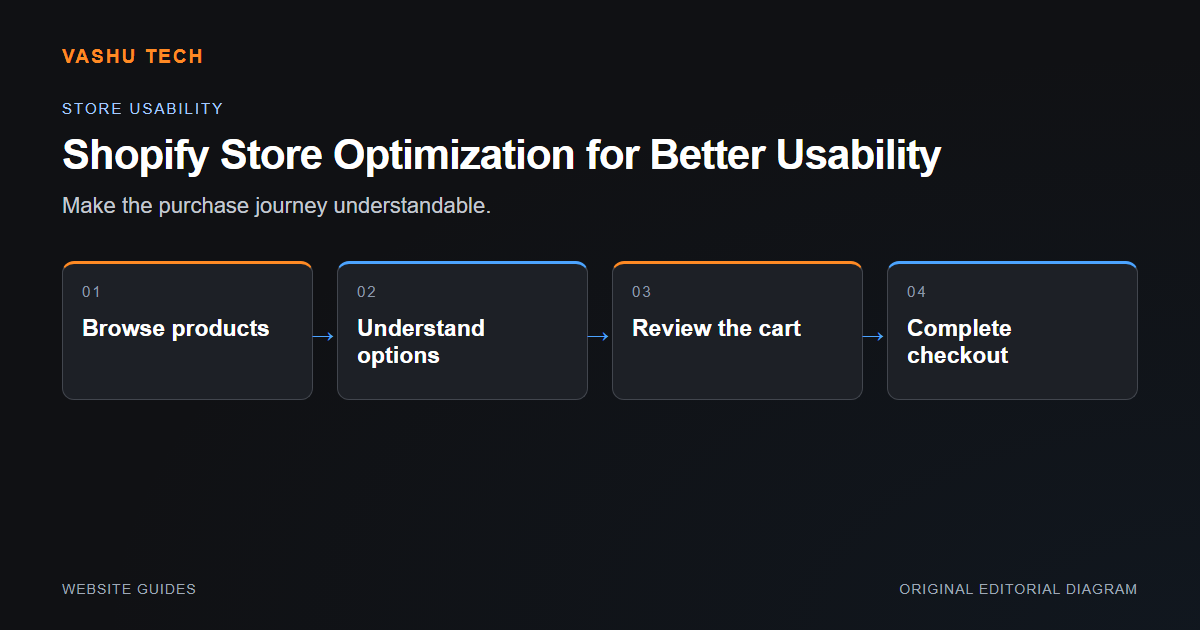
Store usability starts with helping a shopper find the right product and understand the available options. Review collection navigation, product information and mobile interactions before adding more widgets. Optimization should focus on a defined difficulty rather than assume that every store needs the same app stack.
Follow a real product journey
Start from a collection or search result and inspect how a shopper compares products. Check that option selection updates the visible information and submits the intended variant. Unavailable combinations should be understandable. Shipping and other essential purchase information should appear where it helps a decision, not only after an unexpected checkout step.
Review apps and merchant controls
An app can solve one problem while adding scripts or conflicting with a theme feature. Review whether it is used, what permissions it requires and how it affects the page. Confirm that merchants can maintain the revised product and section content. Do not replace operationally necessary information merely to shorten the page.
Example: product image changes but cart item does not
The visual selector and submitted variant can fall out of sync. Test the actual cart item rather than concluding that a selector works because its highlighted option changes. Include unavailable variants and several option combinations.
Project checklist
- Test collection-to-product navigation
- Check variant and cart consistency
- Review mobile option controls
- Remove only unnecessary app behaviour
- Keep essential purchase information visible