
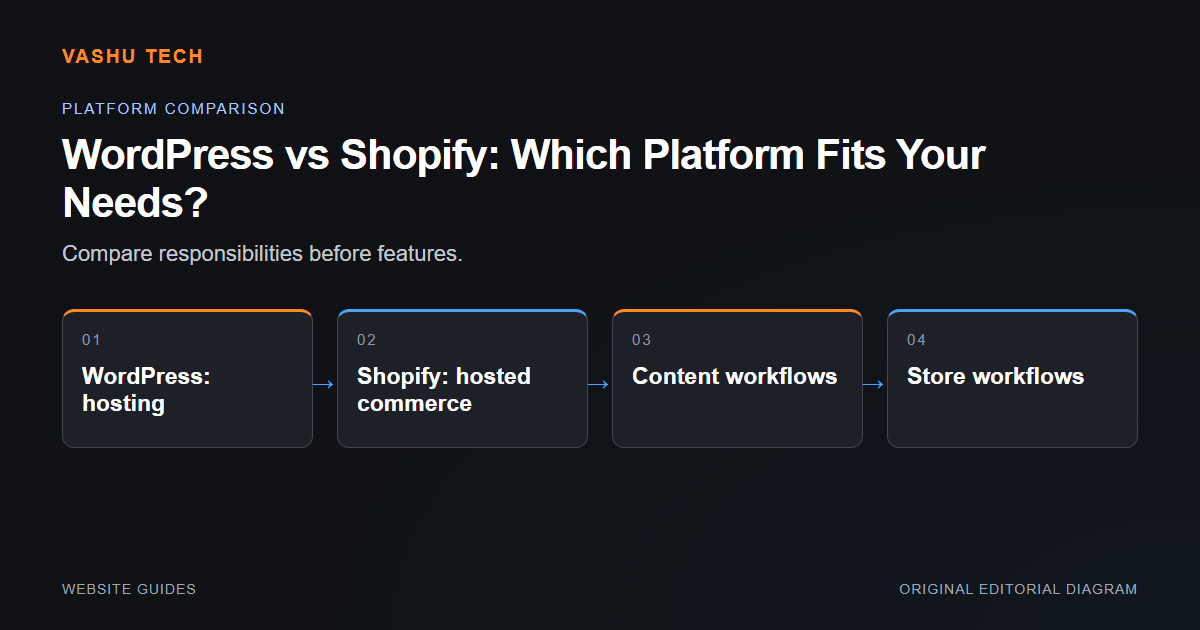
WordPress and Shopify can both support business websites, but they organize ownership and operations differently. The useful comparison begins with what the business needs to publish or sell. Do not choose solely because one platform has a familiar name or a visually appealing template.
Compare operational responsibility
WordPress requires an appropriate hosting environment and a plan for core, theme and plugin updates. A WooCommerce store adds order and payment workflows that must be protected during those updates. Shopify hosts the commerce platform, while the merchant still owns product data, app choices, theme changes and account permissions. Hosted infrastructure does not remove every maintenance responsibility.
Review commerce and customization needs
Product options, shipping rules, payment-provider eligibility and third-party connections affect store feasibility. Shopify customization must follow its supported theme and extension capabilities. WordPress customization should preserve update paths instead of editing core files. Write down requirements that are not available through ordinary configuration and review them before selecting either platform.
Example: content-led business with a small store
A business with extensive articles and a limited product range may value a WordPress-centered editorial workflow. A store-focused business may prefer a hosted commerce environment. Test the specific product and staff journeys; neither example proves that one platform is universally better.
Project checklist
- Review product types and variants
- Test staff editing and order handling
- Confirm payment-provider eligibility
- Check required theme or app licences
- Compare ongoing ownership responsibilities