
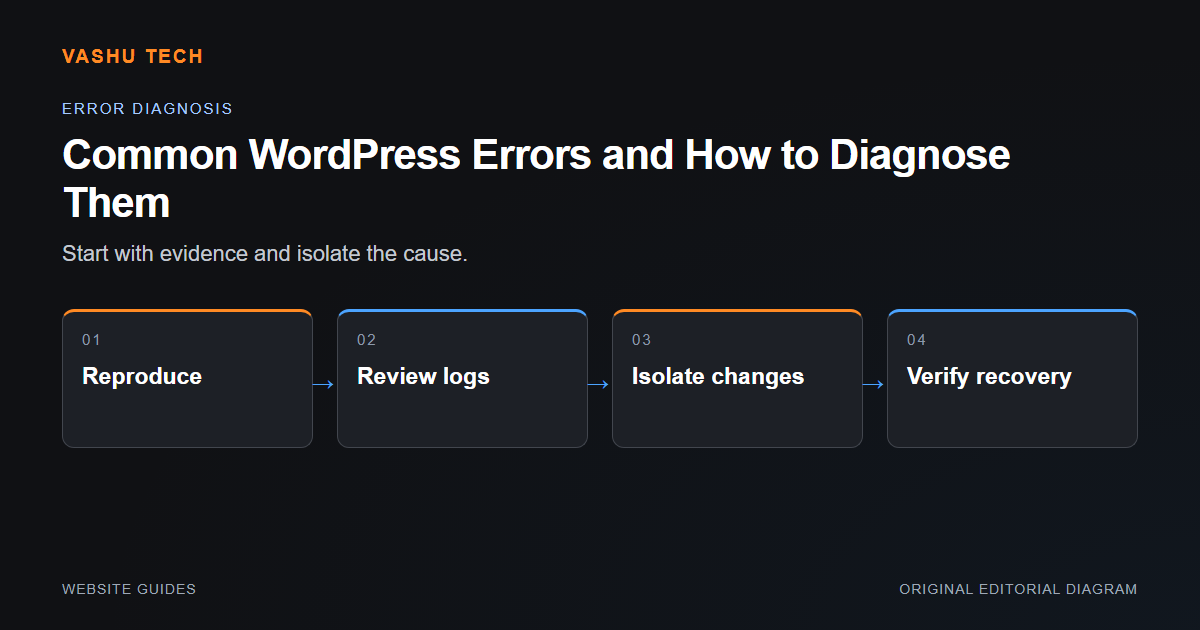
A WordPress error is a symptom, not a diagnosis. A failed page, broken editor or missing form can come from the theme, an extension, server configuration or content. Start by describing exactly what happens and under which conditions rather than applying unrelated fixes from a search result.
Make the failure reproducible
Record the affected URL, user role, device and sequence. Note recent changes, including updates and hosting adjustments. Check whether the failure affects every page or one template. Logs can help distinguish a PHP error from a browser script problem, but sensitive details should not be displayed publicly while debugging.
Isolate changes safely
Use a staging copy and a current backup where possible. Disabling an extension can affect checkout, forms or access control, so understand the consequences before testing on a live site. Compare the same failing action after each controlled change. Restore unrelated functionality once the cause is identified rather than leaving broad deactivations as a permanent workaround.
Example: a form fails after an update
Check whether the submission reaches the server, whether validation returns an error and whether a notification fails after persistence. These are separate stages. A missing email does not necessarily mean that the form record was never stored.
Project checklist
- Capture exact steps and recent changes
- Check browser and server evidence
- Use staging for conflict isolation
- Preserve existing records
- Retest the failure and related workflows