
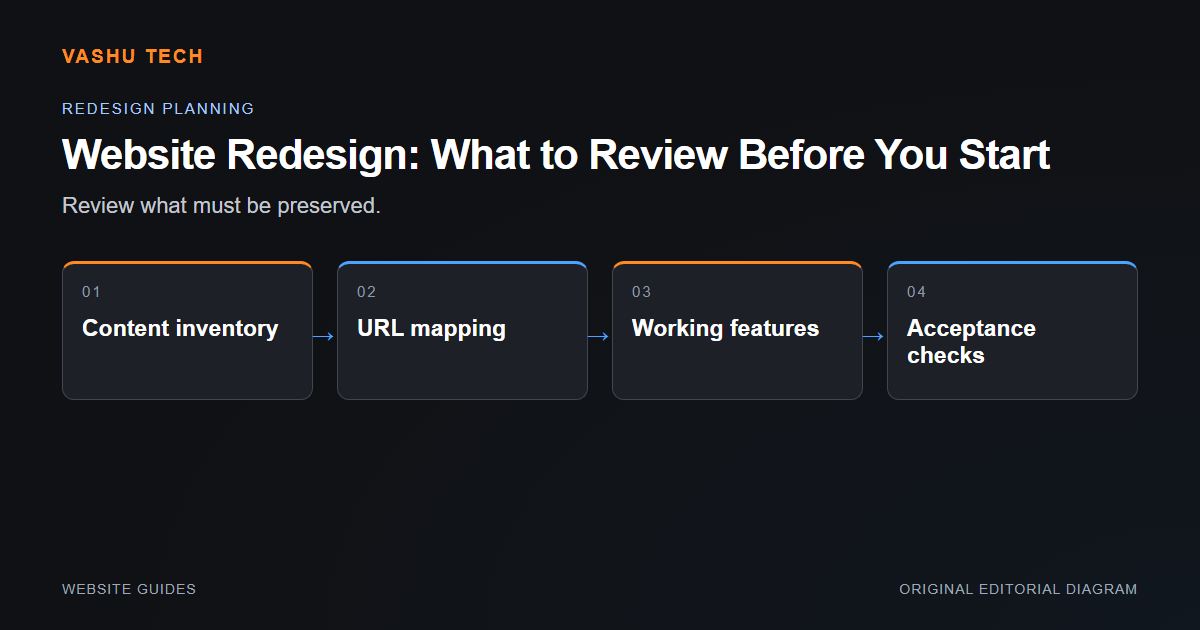
A redesign should solve a defined visitor or maintenance problem. Before changing layouts, identify the pages, data and workflows that must continue working. A visually improved homepage does not compensate for lost enquiry routes, broken links or inaccessible content deeper in the website.
Inventory what already works
Record public URLs, important downloads, forms and integrations. Separate useful content from outdated material instead of deleting everything associated with the old design. If accounts, orders or subscriptions exist, make preservation a specific requirement. Review the site's current navigation and identify where visitors are uncertain about the next step.
Plan the release as well as the design
Changed URLs need a reviewed redirect map. Metadata, canonical signals and structured data should be checked on the actual new pages. Test representative mobile and desktop journeys before switching traffic. Keep a backup that includes database records and uploaded files, and know which prior release can operate with the new schema.
Example: one service becomes several pages
If a broad service page is divided into distinct scopes, decide what useful information remains at the original URL. It may become a category page rather than redirecting to an arbitrary child. Links should follow the new relationships without losing the broad entry point.
Project checklist
- Inventory URLs and essential records
- Define the problems the redesign solves
- Review changed routes and redirects
- Test forms and permissions
- Verify backup and rollback readiness