Prepare an actionable WordPress handover covering account ownership, editing, licences, backups, maintenance and launch responsibilities.
Define who owns the website accounts
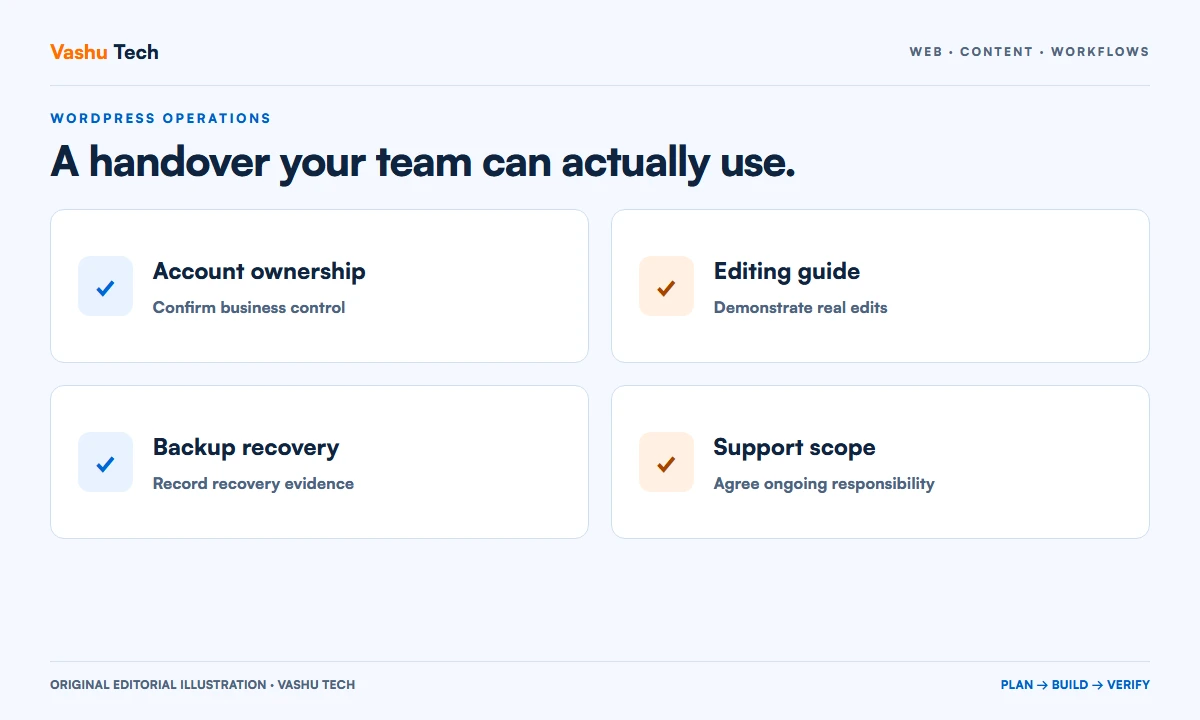
A handover begins with ownership. Identify the business owner of the domain, hosting, administrator account and paid extensions. Distinguish ownership from the access a developer needs to provide support. The business should know where renewal notices arrive and who can recover each critical account.
Create an inventory with account purpose, responsible person and renewal responsibility. Keep credentials in an appropriate secure system rather than embedding them in a general project document. Remove temporary access through an agreed process after confirming that operational accounts work.
Demonstrate real editing tasks
Ask the team to update an ordinary page, replace an image and publish an article using the finished website. A recorded demonstration can help, but a staff member performing the task reveals unclear steps. Include how to preview a change, correct an error and identify sections that require developer support.
Document reusable components and any limitations imposed by the theme or page builder. Explain how to keep headings, image sizes and page layouts consistent. If a routine update requires code, make that dependency explicit so the business can plan support rather than discovering it during an urgent change.
Record licences and maintenance boundaries
List the themes, plugins and services required for the agreed functionality. Record which licences belong to the business and whether any access depends on a supplier subscription. Explain what happens if an optional subscription ends without guessing about a vendor's future terms.
Agree who reviews updates, where changes are tested and which business journeys need a check afterward. Maintenance should distinguish ordinary updates from new features and incident recovery. A handover document is more useful when it names the responsible person for each recurring task.
Make recovery a demonstrated process
WordPress documentation distinguishes website files from the database; a recovery plan needs the relevant parts of both. Record backup storage, frequency and retention as implemented, rather than copying a generic checklist. Confirm who can access the backups if the website itself is unavailable.
A file labelled backup does not prove restoration. Agree a protected restoration exercise appropriate to the project and record its result. Keep production customers and transactions out of disposable test environments unless a suitable process has been approved. Note remaining limitations honestly.
Close with an operational review
Check contact forms, important links, staff permissions and the release sign-off. Hand over the list of known limitations and the route for reporting a problem. Set expectations for the period after launch, including which requests belong to support and which require a new estimate.
For a new WordPress project or a website inherited from another supplier, Vashu Tech can help review the handover gaps. Share the existing documentation and the tasks your team needs to manage so the work can be scoped around actual operational needs.
Further reading
Official guidance for this topic.
Explore WordPress Development or discuss your project with Vashu Tech.
Inventory the environment that is actually running
Record the public website, hosting arrangement, domain owner and the main components required for the agreed functionality. Include any external form, mailing, payment or scheduling service that the site relies on. The inventory should describe the delivered environment, not a template list copied from a different project. Where something remains unknown, make the gap visible and assign follow-up.
Explain which accounts are owned by the business and which are temporary supplier access. A useful inventory tells the next responsible person where to begin without exposing credentials in a general document. Record renewal ownership and recovery contacts separately from passwords. Confirm access using an agreed process before removing any account that the team may still need.
Demonstrate an ordinary content update from start to finish
Choose a representative page and ask the future editor to change a paragraph, replace an image and preview the result. Include how to keep heading order and links understandable. The demonstration should use the actual editing setup, including the page builder or custom fields where present. A generic WordPress tutorial may not explain the site's specific components.
Then ask the editor to correct an accidental change. Show the available revision or recovery process without promising that every part of the site has the same undo behaviour. Identify elements that are global, because changing a shared component may affect many pages. Record any task that still needs developer involvement so the business can plan support realistically.
Separate update work from feature work
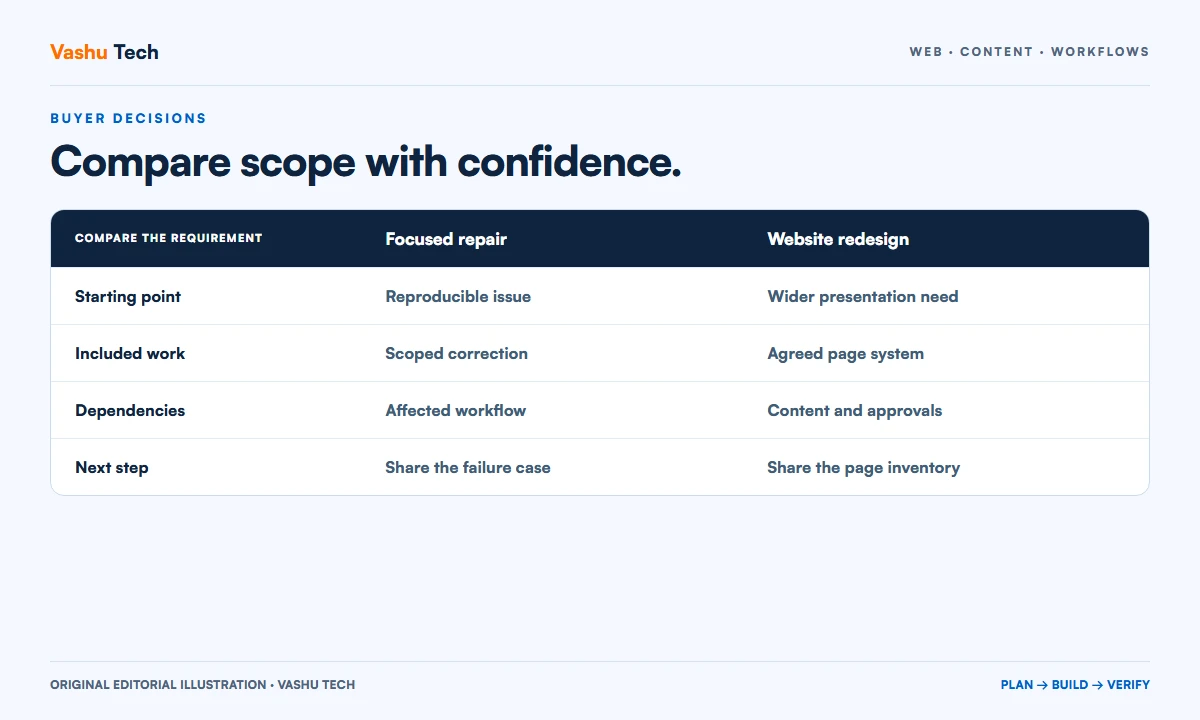
Define routine maintenance in concrete terms. It may include reviewing updates in a protected environment and checking selected journeys afterward, but the exact agreement should say so. A new integration, a redesign or an altered business process is different work. Without this distinction, the business and supplier may have incompatible expectations about what an ongoing arrangement covers.
List paid themes, plugins and services with the licence owner and renewal responsibility. Clarify whether the business retains access if a supplier relationship ends. Do not guess how a vendor will behave after a subscription expires; confirm the relevant terms where that decision matters. Record any dependency that requires a later account or commercial decision.
Make the recovery instructions usable during an outage
A recovery plan needs the relevant files, database and access needed to restore the delivered site. Record where backups are held, who can retrieve them and what retention is actually configured. Keep the instructions accessible even when the website is unavailable. A note inside the broken site is not sufficient as the only recovery reference.
Agree a protected restoration exercise and record what it demonstrated. Include the date, target environment and limitations. A backup archive existing on disk is different from a successful recovery test. Where the site accepts changing customer or order data, the recovery discussion must account for those changes rather than casually restoring an old copy over current records.
Worked example: a small editorial team
Imagine a fictional organization with two editors and one approving manager. The handover demonstrates drafting, previewing and publishing an article with the delivered permissions. It identifies who maintains service pages and who changes global navigation. The manager receives an account inventory and a support route for problems that editors should not attempt to repair themselves.
The team also checks a contact request and confirms the receiving process. The backup owner demonstrates the agreed recovery evidence in a protected environment. Outstanding items, such as an unconfirmed third-party renewal, remain visible instead of being marked complete. This example shows how to review responsibilities; it does not claim that a particular client uses this arrangement.
Document the first month of ownership
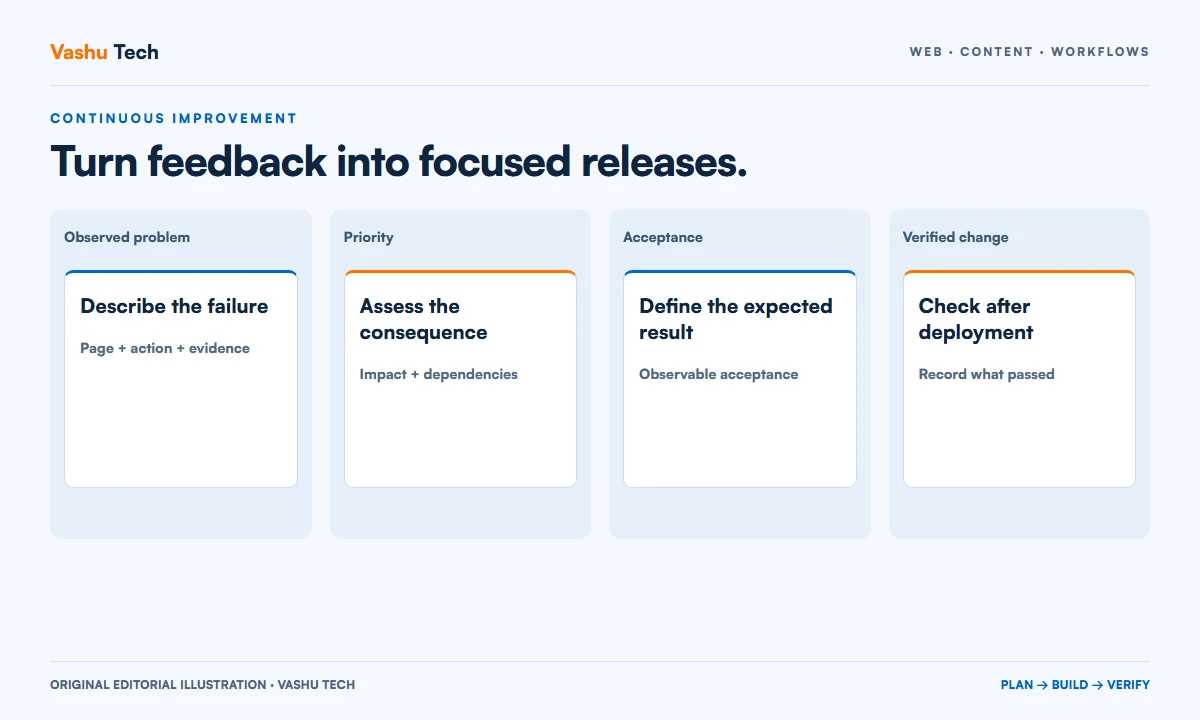
Agree how the team reports issues after launch, which evidence helps diagnosis and which person receives the request. A page address, expected result and actual result are more useful than saying the site is broken. Avoid sending account passwords or customer records through an ordinary public form when a secure process is available.
Schedule a practical check after the team has made real edits. Review confusing tasks, outdated instructions and any unresolved access dependency. Update the handover when an integration or editing component changes. The aim is not to produce a document once, but to leave the business with an accurate starting point for operating the website.
A practical review checklist
- Confirm business ownership and recovery access for domain and hosting.
- Demonstrate real page and article edits using the delivered permissions.
- List licences, renewals and dependencies on supplier-owned accounts.
- Document configured backups and the evidence of a protected recovery test.
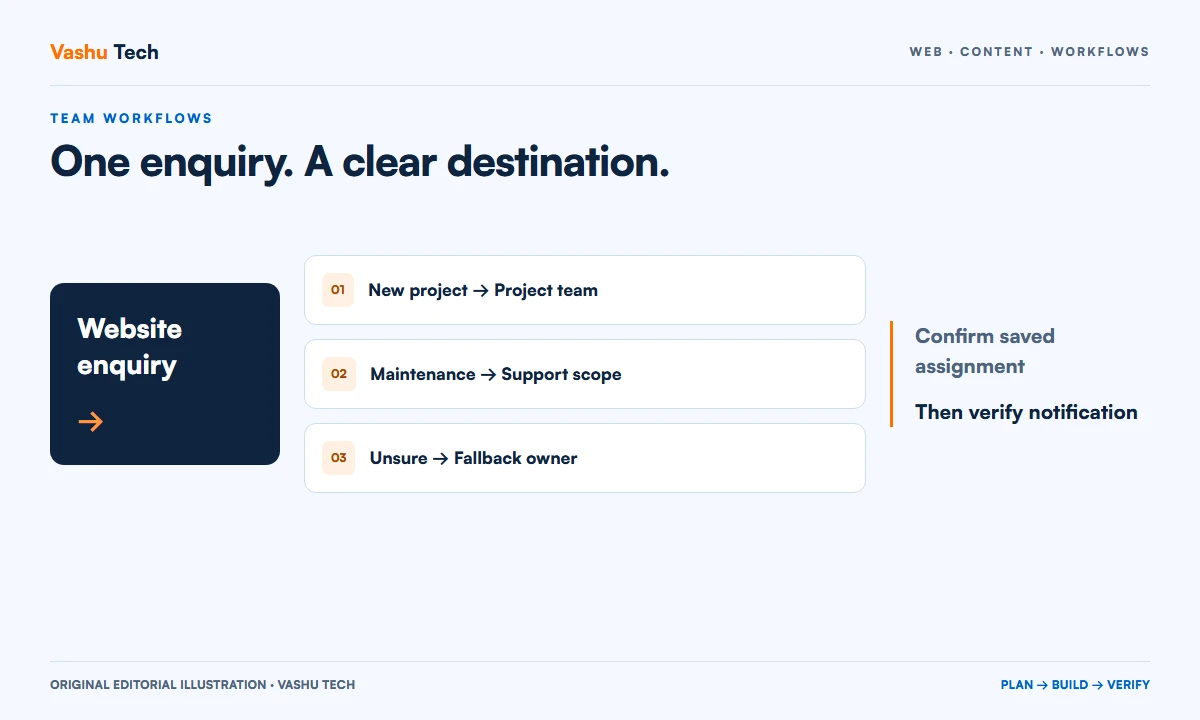
- Verify enquiry receipt and the staff process for finding accepted requests.
- Record known limitations, maintenance boundaries and the support route.
Questions about putting this guide into practice
Is an administrator login a complete handover?
No. Login access is only one part. The business also needs to understand ownership, routine editing, external dependencies, backups and the response to a problem. Ask for a demonstration of the tasks the team will actually perform and a record of remaining limitations.
Should every staff member be an administrator?
Assign access according to the tasks people need to perform. Editing a page and managing the entire site are different responsibilities. Confirm the appropriate permissions with the business and review the delivered accounts instead of using broad access merely to avoid planning roles.
Can maintenance begin without a recovery review?
The decision depends on the agreed scope, but recovery ownership should be understood before changes that may affect the live site. Ask what backup exists, how it is accessed and what has been tested. Do not describe an untested archive as proven recovery capability.
Plan your next step
Discuss a scoped project with Vashu Tech. Share your current website, intended audience and the specific task you want to improve. We can review the starting point, required inputs and acceptance checks before estimating the work.