
Skip to content
info@vashutech.com +91 86278 82193 D-109, Phase 7, Industrial Area, Sector 73, Sahibzada Ajit Singh Nagar, Punjab 160055, India.
Vashu Tech — Build. Brand. Boost.

Website Maintenance Checklist for Business Owners

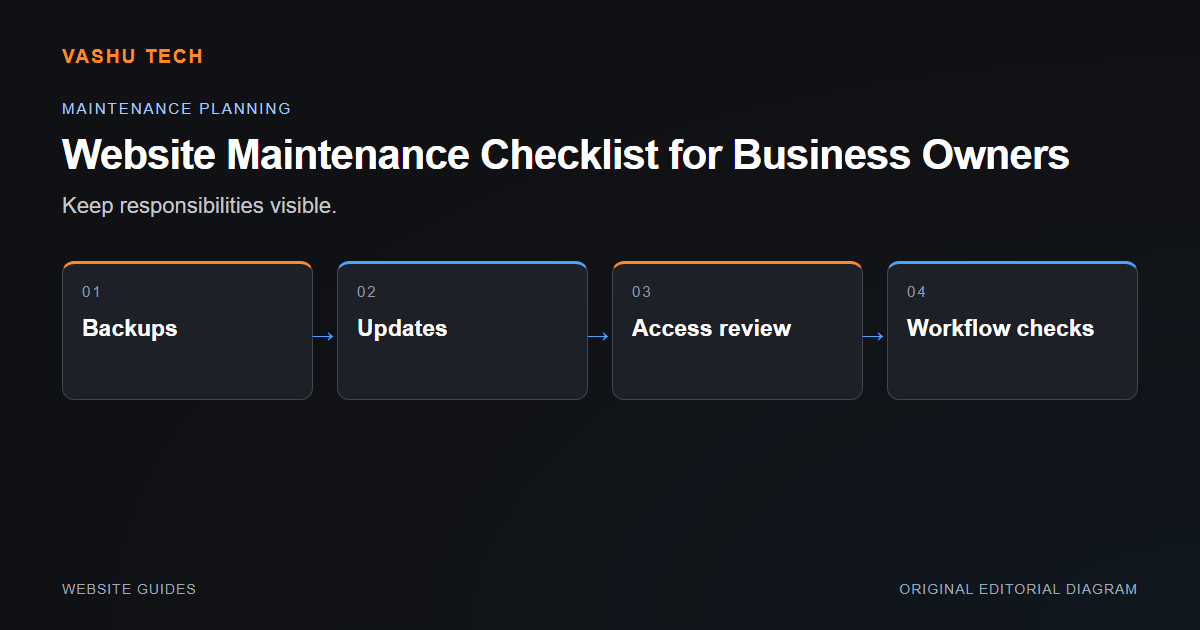
Website maintenance needs clear ownership after launch. Updates, backups, domain and certificate renewal, content accuracy and key workflow checks should not depend on someone noticing a visible failure. A checklist is useful when it identifies who performs each task and how a problem is escalated.

By Vashu Tech · 11 Oct 2026

Website Guides

Website maintenance needs clear ownership after launch. Updates, backups, domain and certificate renewal, content accuracy and key workflow checks should not depend on someone noticing a visible failure. A checklist is useful when it identifies who performs each task and how a problem is escalated.

Review operational access

Keep business-owned accounts for hosting and external services, with appropriate staff permissions. Avoid shared passwords where role-based access is available. Review whether former suppliers still need access. Record the platform and licences so that an update does not depend on an undocumented personal account.

Verify recovery and important journeys

A backup report is not the same as a successful restore. Review database and uploaded-file coverage and test restoration privately. Check forms, navigation and relevant transactions after updates. Separate routine upkeep from new functionality so the maintenance agreement remains understandable.

Example: the site loads but enquiries stop arriving

A public-page check alone may miss a notification or queue failure. Verify record persistence and delivery separately. SMTP authentication does not establish mailbox receipt, and a scheduler registration does not prove that the host is invoking it.

Project checklist

  • Assign account and renewal owners
  • Review updates on staging
  • Check forms and essential journeys
  • Verify backup restoration
  • Define support and escalation boundaries

Further reading

Official platform guidance

Explore the related service.

Discuss your project requirements with Vashu Tech.

Back to all articles

Related articles

WordPress vs Shopify: Which Platform Fits Your Needs?

WordPress and Shopify can both support business websites, but they organize ownership and operations differently. The useful comparison begins with what the business needs to publish or sell. Do not choose solely because one platform has a familiar name or a visually appealing template.

Website Redesign: What to Review Before You Start

A redesign should solve a defined visitor or maintenance problem. Before changing layouts, identify the pages, data and workflows that must continue working. A visually improved homepage does not compensate for lost enquiry routes, broken links or inaccessible content deeper in the website.

Common WordPress Errors and How to Diagnose Them

A WordPress error is a symptom, not a diagnosis. A failed page, broken editor or missing form can come from the theme, an extension, server configuration or content. Start by describing exactly what happens and under which conditions rather than applying unrelated fixes from a search result.

WhatsApp