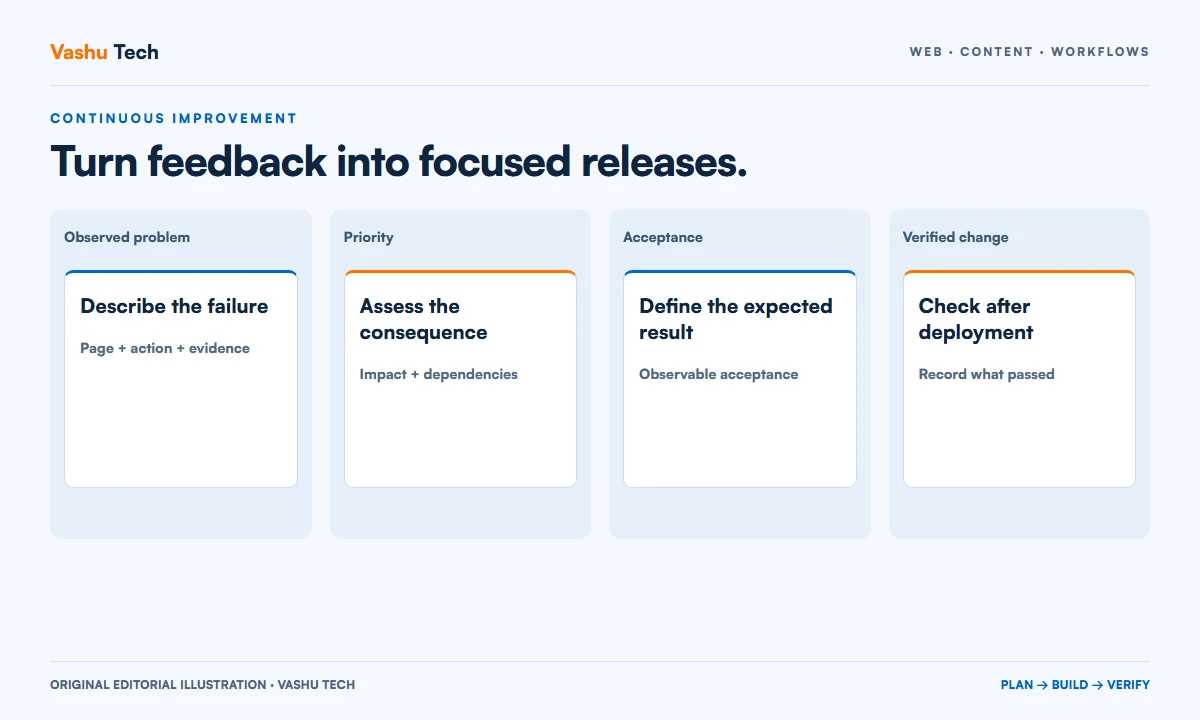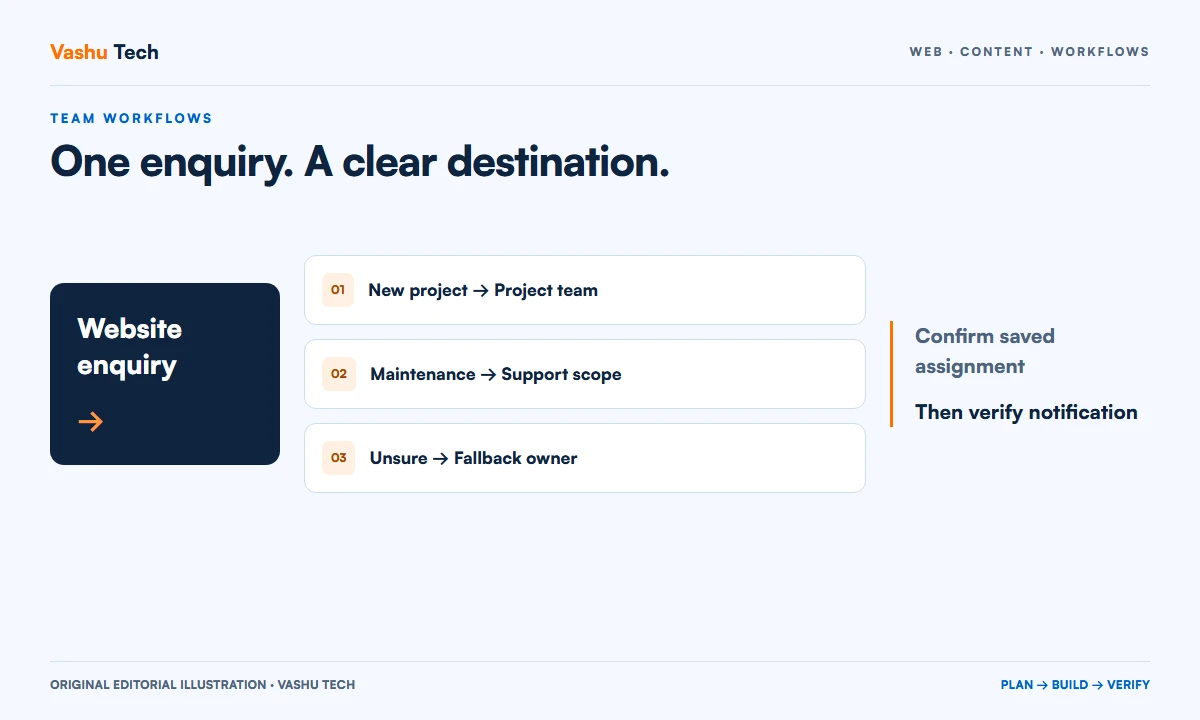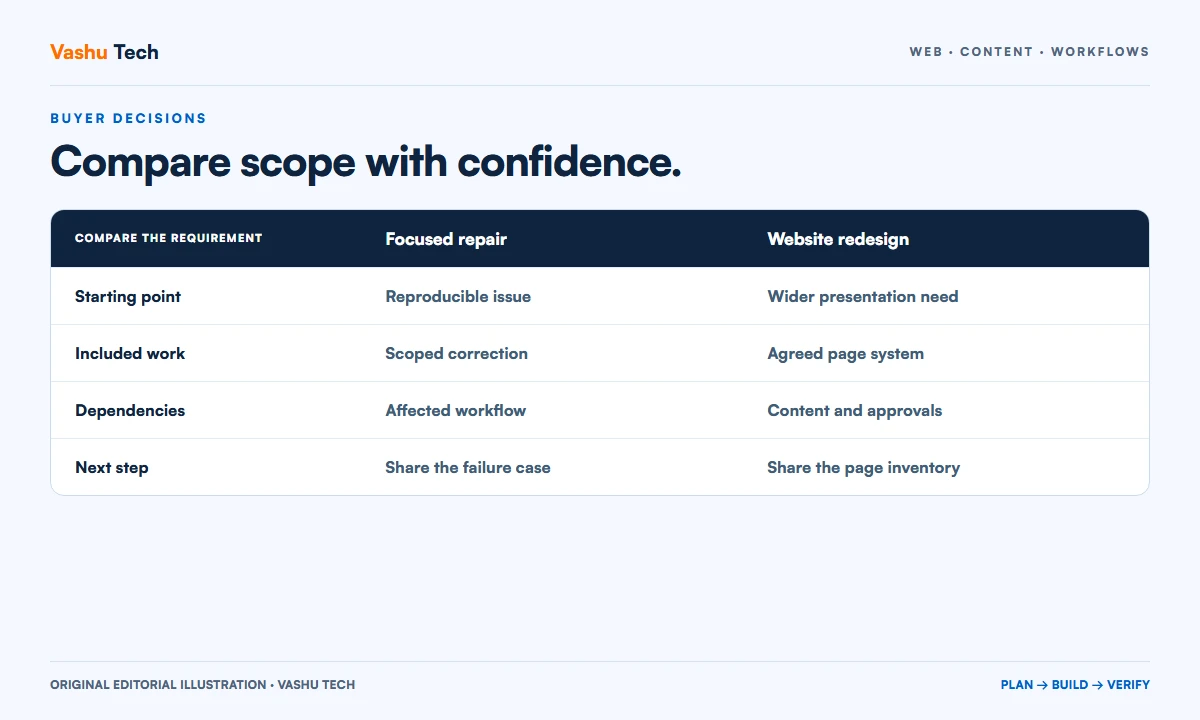
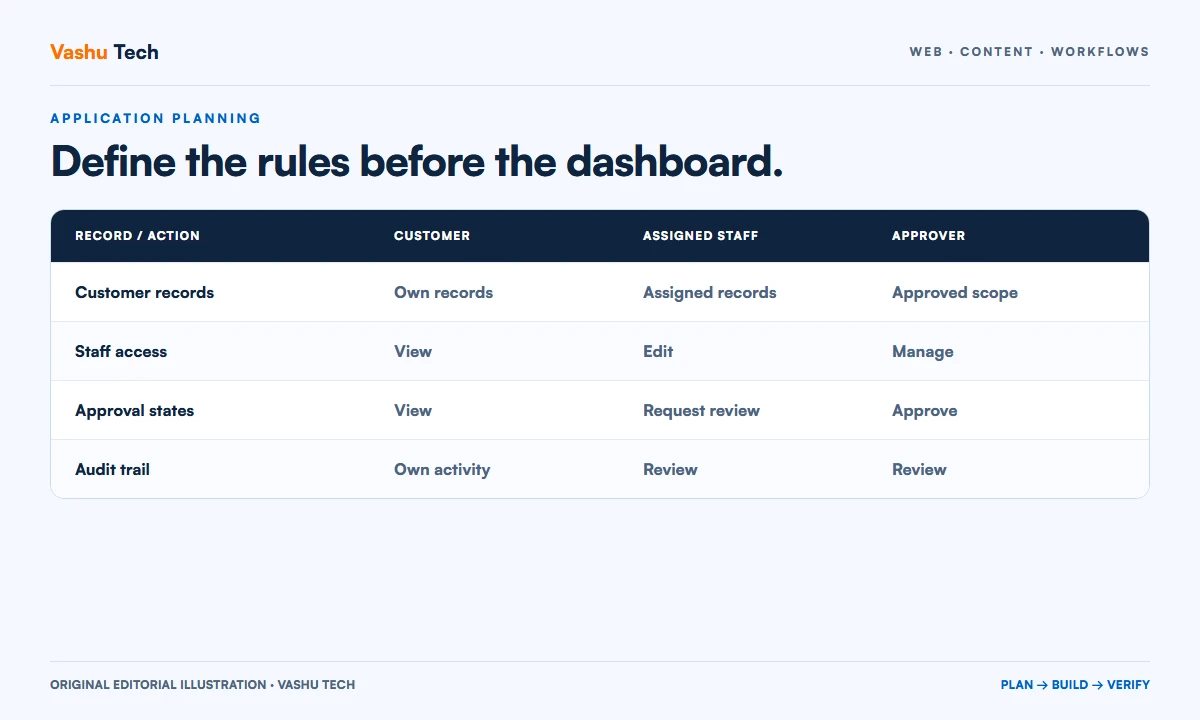
Define customer portal roles, record ownership, workflow states and recovery paths before choosing screens or integrations.
Describe the recurring task
A customer portal should simplify a defined interaction, such as tracking a request, sharing approved documents or reviewing project status. Start by describing the current process and its repeated difficulties. A request for a dashboard is too broad until the team agrees which decisions and tasks the dashboard must support.
Choose one representative customer journey for the initial scope. Explain where the process begins, what staff do and what the customer should see at each step. Separate essential actions from information that would merely be interesting to display.
Write down roles and ownership
Identify customer users, staff users and administrators. For each record type, decide who can view, create, edit and approve it. If several people belong to one customer organization, establish whether they share access or have separate responsibilities. These decisions affect the data model and should be confirmed before implementation.
Use concrete permission examples. Customer A must not see Customer B's files, and a staff member's access may need to follow an assigned account or team. Include exports, attachments and notifications in the ownership review because they can expose information outside the main screen.
Define states and exceptions
List the states a request can pass through and who can make each transition. For example, a draft request may be editable while an approved request requires a controlled correction. Write down what happens if someone cancels, submits twice or loses access before completion.
Plan messages for unavailable records and failed actions. A useful error should explain the next safe step without disclosing private information. Decide how staff investigate a problem and which operational events need to be recorded.
Limit integrations to an agreed purpose
An integration should have a named source, destination and data owner. Specify which fields move, how duplicates are recognized and what happens when the other system is unavailable. Do not assume that an API exists or that account access includes the required permission.
Separate notification from the underlying business action. A failed email should not leave the team uncertain whether a request was saved. Agree recovery and retry expectations with the people operating the process before selecting an implementation.
Build acceptance around realistic examples
Prepare a small set of fictional customers and requests covering normal work, denied access and incomplete input. Use these examples to review the proposed workflow and later verify the implementation. Include handover, backup and support responsibilities in the scope.
Vashu Tech can evaluate whether a Laravel application fits the confirmed workflow. Share the current process and role examples first; the framework choice should follow the requirement rather than replace that discussion.
Explore Laravel Development or discuss your project with Vashu Tech.
Map the record before designing its screen
Choose a representative request, document or project record and list the information it contains. Identify which fields the customer supplies, which staff maintain and which come from another system. Mark information that must remain private to one customer organization. These distinctions shape both the editing experience and the underlying ownership rules, so they should not be left until the interface is nearly finished.
Describe the record's history as well as its current values. If an approval changes, does the team need to know who changed it and why? If a document is replaced, should the earlier version remain available? Confirm the business requirement and retention responsibility rather than automatically keeping everything or discarding useful evidence. The correct approach depends on how the record is operated.
Write a permission matrix with real examples
Create rows for the important actions and columns for the proposed roles. Include viewing, creating, editing, approving, exporting and deleting where applicable. Mark the scope of each permission, such as records belonging to the same customer organization or projects assigned to a staff member. A role name alone does not explain which records a person can access.
Test the proposed matrix with examples before development. A customer invited to one organization should not gain access to another simply by changing a link. A staff user responsible for one queue may not need unrestricted exports. Include files and notifications because they can reveal information outside the main record page. Record any unresolved access decision as a requirement to confirm.
Make state transitions explicit
List the valid states and the person allowed to move a record between them. A request might move from draft to submitted, then to review and completion, but the actual stages should follow the business process. Explain which fields remain editable after submission and what correction process is available. Do not add approval stages merely because they make a diagram look sophisticated.
Consider repeated actions, cancellation and conflicting edits. If two people review the same request, define how the application should handle a stale screen. If an external system confirms an action later, distinguish that pending state from completion. These examples help the team agree what the interface should say without pretending that every operation succeeds immediately.
Plan invitations and account recovery
Decide who can invite another customer user and how membership of an organization is confirmed. Specify what happens when someone leaves, changes responsibility or loses access. An account lifecycle is part of portal operation, not an optional polish task. The business should know who can investigate access problems without exposing another customer's information.
Use an appropriate recovery and identity process for the application rather than inventing one in a screen design. Keep the scope clear about what is implemented and what relies on an external provider. Confirm that messages, links and errors do not disclose private records to someone who lacks permission. These cases belong in acceptance review alongside the normal sign-in journey.
Worked example: a document review portal
Imagine a fictional consultancy that lets each customer review project documents. A customer can see only documents for their organization and can submit a comment. Assigned staff can upload a proposed revision, while an approver controls release of the final version. The application needs a clear distinction between a draft upload and a document available to the customer.
Useful acceptance examples include a permitted download, a denied cross-customer request, a replaced document and a comment submitted from an old page. The team also agrees how failed notifications are handled after the underlying action is saved. This scenario illustrates requirements to discuss; it is not a statement about an existing Vashu Tech portal or a universal product specification.
Separate the initial release from later automation
Choose an initial workflow that staff and customers can operate reliably. Advanced reporting, additional integrations and automated reminders may be valuable, but they should have a defined purpose and data source. A focused first release provides a clearer basis for testing than a long collection of loosely specified dashboard widgets.
Document deployment, backup, support and account ownership before handover. Agree what operational evidence the team needs to investigate a problem and who reviews it. If a feature depends on an unconfigured provider account, keep that dependency visible. A working demonstration is useful, but completion requires the agreed roles, failure cases and ongoing responsibilities to be understood.
Prepare the discovery material
Bring a sanitized example record, a list of users and a diagram of the current process. Show the team what happens when work is delayed, corrected or rejected. These examples reveal requirements that a feature list often misses. Use fictional or appropriately protected information during early discussions rather than sending private customer records through a public enquiry.
A scoped review can then identify the core workflow, technical constraints and unanswered business decisions. Ask for assumptions and exclusions to be written into the proposal. That makes it possible to assess an application recommendation on the work it must perform instead of choosing a framework based on a dashboard screenshot.
A practical review checklist
- Define the record, its owner and the source of every important field.
- Map permissions for viewing, changing, exporting and sharing records.
- Confirm valid states, corrections and conflicting-edit behaviour.
- Plan invitations, staff departure and customer access recovery.
- Test files, notifications and cross-customer access as well as screens.
- Separate initial delivery, provider setup and ongoing operation.
Questions about putting this guide into practice
Is a dashboard the same as a customer portal?
A dashboard is a way of presenting information. A portal also needs agreed account, permission and workflow rules. Describe what customers must accomplish and which records they may access before deciding which summary widgets belong on the first screen.
Should the portal replace our existing tools?
Only where the business requirement supports that decision. Existing tools may remain the source of particular records while the portal handles a defined interaction. Confirm integration capabilities, account ownership and failure handling before promising a replacement or automatic synchronization.
How can we estimate a portal with unanswered rules?
Separate discovery from implementation and make the unknown decisions visible. Use representative records and permission examples to resolve the most consequential gaps. An estimate based on explicit assumptions is more useful than a fixed promise covering an undefined workflow.
Plan your next step
Discuss a scoped project with Vashu Tech. Share your current website, intended audience and the specific task you want to improve. We can review the starting point, required inputs and acceptance checks before estimating the work.