
Skip to content
info@vashutech.com +91 86278 82193 D-109, Phase 7, Industrial Area, Sector 73, Sahibzada Ajit Singh Nagar, Punjab 160055, India.
Vashu Tech — Build. Brand. Boost.

Payment Gateway Integration: Important Things to Check

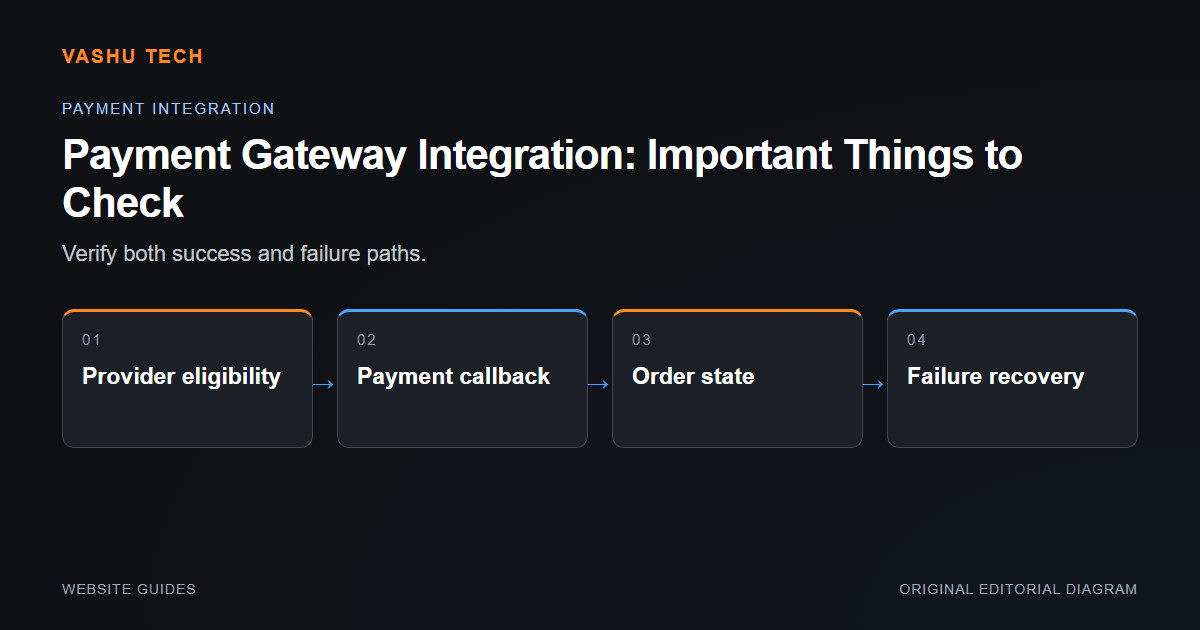
Payment integration is a transaction workflow, not just a button or a redirect. Review provider eligibility, supported currencies, account approval and the platform's integration method before development begins. Technical testing should distinguish a successful browser journey from a verified transaction outcome.

By Vashu Tech · 11 Oct 2026

Website Guides

Payment integration is a transaction workflow, not just a button or a redirect. Review provider eligibility, supported currencies, account approval and the platform's integration method before development begins. Technical testing should distinguish a successful browser journey from a verified transaction outcome.

Confirm the provider and account boundary

Merchant availability can depend on country, business type and provider requirements. Use approved accounts and supported sandbox methods. Do not collect card details through an ordinary enquiry form. The provider's documentation and account permissions determine which features can be implemented.

Check event handling and order state

A returning browser can close or retry without completing the transaction. Server-side verification should use the provider's supported result or authenticated event. Duplicate notifications need safe handling so an order is not processed twice. Test declines, cancellation and delayed events as well as a successful payment.

Example: the success page opens after a declined attempt

The visible page is not sufficient evidence to mark an order paid. Review the provider's verified result and the application's state transition. Staff need a clear way to identify pending or uncertain outcomes rather than relying on a screenshot.

Project checklist

  • Verify account eligibility
  • Use supported test transactions
  • Validate provider events
  • Handle duplicate and delayed notifications
  • Protect payment secrets and order history

Further reading

Official platform guidance

Explore the related service.

Discuss your project requirements with Vashu Tech.

Back to all articles

Related articles

WordPress vs Shopify: Which Platform Fits Your Needs?

WordPress and Shopify can both support business websites, but they organize ownership and operations differently. The useful comparison begins with what the business needs to publish or sell. Do not choose solely because one platform has a familiar name or a visually appealing template.

Website Redesign: What to Review Before You Start

A redesign should solve a defined visitor or maintenance problem. Before changing layouts, identify the pages, data and workflows that must continue working. A visually improved homepage does not compensate for lost enquiry routes, broken links or inaccessible content deeper in the website.

Common WordPress Errors and How to Diagnose Them

A WordPress error is a symptom, not a diagnosis. A failed page, broken editor or missing form can come from the theme, an extension, server configuration or content. Start by describing exactly what happens and under which conditions rather than applying unrelated fixes from a search result.

WhatsApp