
Skip to content
info@vashutech.com +91 86278 82193 D-109, Phase 7, Industrial Area, Sector 73, Sahibzada Ajit Singh Nagar, Punjab 160055, India.
Vashu Tech — Build. Brand. Boost.

Internal Linking and Website Architecture Explained

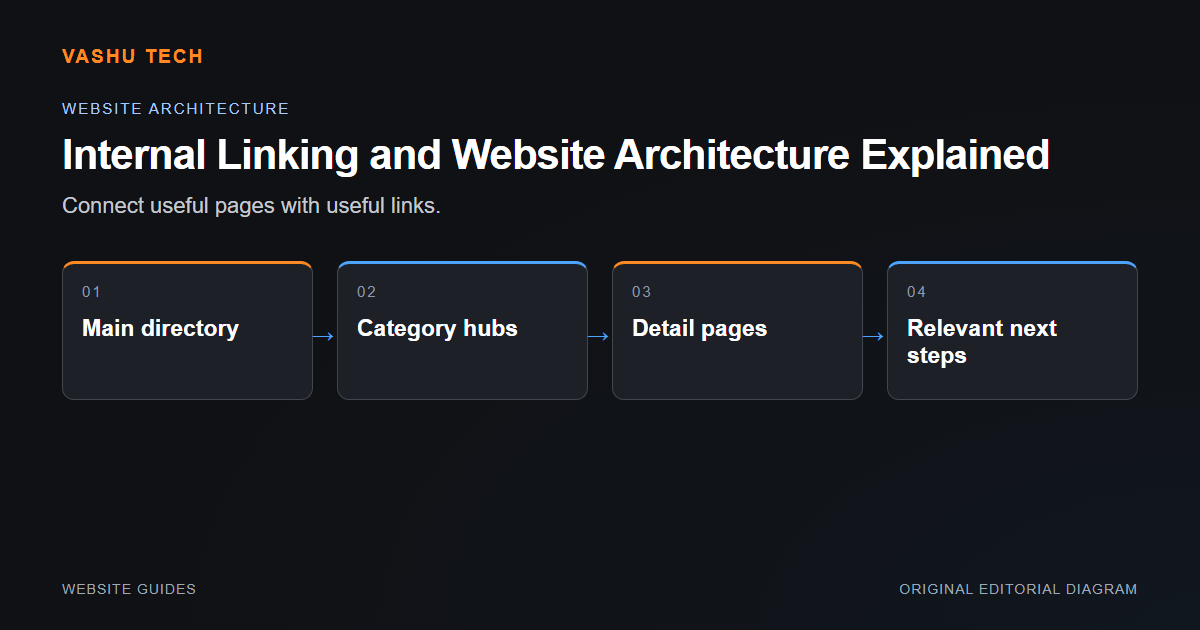
Website architecture describes how pages relate to each other. Internal links should help a visitor move from a broad need to a relevant explanation or action. More links are not automatically better. A useful structure gives each page a distinct purpose and avoids several URLs competing to answer the same question.

By Vashu Tech · 11 Oct 2026

Website Guides

Website architecture describes how pages relate to each other. Internal links should help a visitor move from a broad need to a relevant explanation or action. More links are not automatically better. A useful structure gives each page a distinct purpose and avoids several URLs competing to answer the same question.

Map intent before adding pages

Group broad categories and identify which tasks deserve detailed pages. Keep a category page useful as an overview rather than making it a list of repeated keywords. Review overlap between service pages and educational articles: a service page explains scope, while an article can help someone understand a decision or diagnosis.

Link through meaningful relationships

Use descriptive anchors that explain the destination naturally. Navigation can expose category hubs, while individual pages link to a few relevant scopes. Do not link to drafts or planned pages that return errors. When URLs change, review both redirects and existing contextual links rather than leaving every journey dependent on an alias.

Example: technical SEO and an SEO checklist

The service page can explain investigation and deliverables. The article can provide a practical review sequence. Linking between them is useful when the article helps someone understand the problem and the service page explains how to discuss corrective work.

Project checklist

  • Give each page one clear purpose
  • Group related services
  • Use natural descriptive anchors
  • Link only to real public destinations
  • Review links after URL changes

Further reading

Official platform guidance

Explore the related service.

Discuss your project requirements with Vashu Tech.

Back to all articles

Related articles

WordPress vs Shopify: Which Platform Fits Your Needs?

WordPress and Shopify can both support business websites, but they organize ownership and operations differently. The useful comparison begins with what the business needs to publish or sell. Do not choose solely because one platform has a familiar name or a visually appealing template.

Website Redesign: What to Review Before You Start

A redesign should solve a defined visitor or maintenance problem. Before changing layouts, identify the pages, data and workflows that must continue working. A visually improved homepage does not compensate for lost enquiry routes, broken links or inaccessible content deeper in the website.

Common WordPress Errors and How to Diagnose Them

A WordPress error is a symptom, not a diagnosis. A failed page, broken editor or missing form can come from the theme, an extension, server configuration or content. Start by describing exactly what happens and under which conditions rather than applying unrelated fixes from a search result.

WhatsApp