
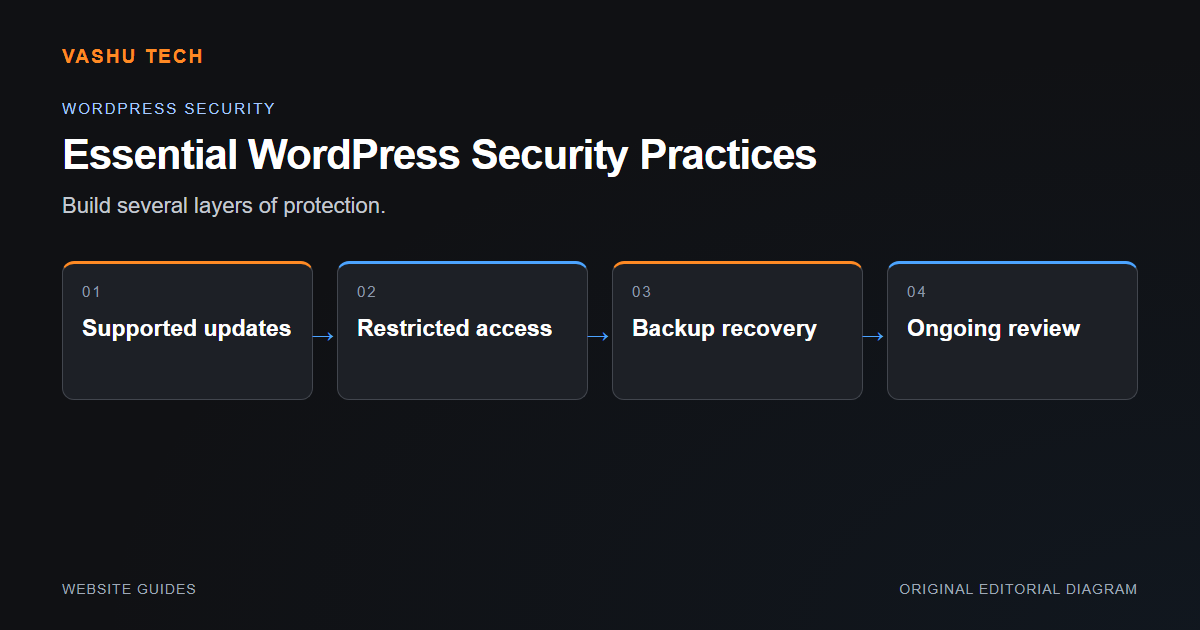
WordPress security involves the site, hosting environment and access accounts together. A plugin can support particular checks, but it cannot replace controlled updates, appropriate permissions and a recovery plan. Review the actual installation rather than assuming one configuration fits every site.
Reduce avoidable exposure
Keep an inventory of the theme and extensions, remove only software that is genuinely unused and review who needs administrator access. Use appropriate accounts instead of sharing unrestricted credentials. Test updates with the site's real forms and features. Hosting access and external account credentials also need protection.
Prepare for investigation and recovery
Keep backups that cover files and database records and verify a restore privately. If suspicious changes appear, preserve relevant evidence and determine the extent of compromise before declaring cleanup complete. Removing one visible file does not show that the entry point or persistence mechanism has been resolved.
Example: an infection returns after cleanup
The remaining cause may be an exposed credential, vulnerable extension or hidden scheduled action. Repeated deletion of the same file can conceal the larger problem. Investigation may require hosting cooperation, credential rotation or a controlled rebuild.
Project checklist
- Inventory versions and extensions
- Review administrator access
- Test updates and recovery
- Protect hosting and vendor accounts
- Investigate recurring suspicious changes