
Skip to content
info@vashutech.com +91 86278 82193 D-109, Phase 7, Industrial Area, Sector 73, Sahibzada Ajit Singh Nagar, Punjab 160055, India.
Vashu Tech — Build. Brand. Boost.

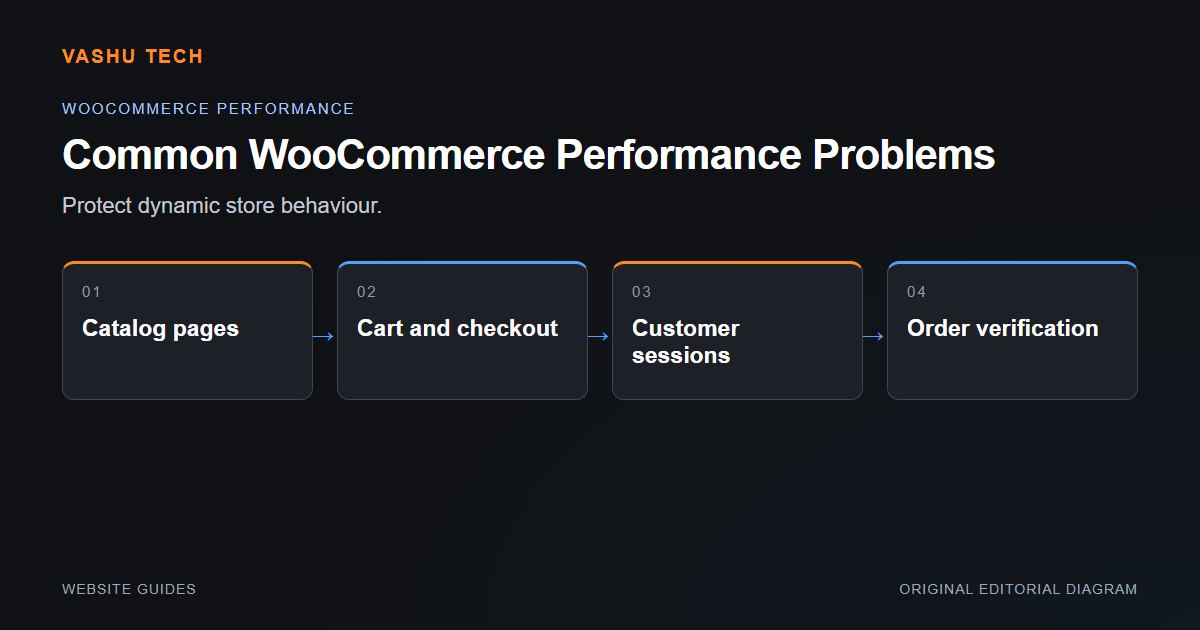
Common WooCommerce Performance Problems

WooCommerce performance must be reviewed as both a public storefront and an operational application. Product browsing, cart state and order administration have different workloads. A fast cached page does not prove that checkout or staff tasks are performing well.

By Vashu Tech · 11 Oct 2026

Website Guides

WooCommerce performance must be reviewed as both a public storefront and an operational application. Product browsing, cart state and order administration have different workloads. A fast cached page does not prove that checkout or staff tasks are performing well.

Separate storefront and transaction work

Large product images and heavy templates affect browsing, while extensions and server resources can affect dynamic requests. Review collection, product and checkout pages with representative content. Compare logged-out and relevant logged-in journeys. The goal is to identify the expensive work rather than install overlapping optimization tools without evidence.

Keep order and session boundaries intact

Personalized cart and account information should not be served from an ordinary shared page cache. Changes to extension behaviour need order-flow testing, including failed payments and stock transitions. Backups should preserve the database and files together before risky work. Do not discard old orders to make an optimization easier.

Example: product pages improve but checkout fails

A broad cache rule may hide the cost of a dynamic request while breaking session-dependent behaviour. Review the platform's supported exclusions and confirm that cart totals, selected options and order creation remain correct after cache changes.

Project checklist

  • Measure product and checkout paths separately
  • Review extension overhead
  • Check hosting resources
  • Respect cart and account cache exclusions
  • Verify orders and stock after changes

Further reading

Official platform guidance

Explore the related service.

Discuss your project requirements with Vashu Tech.

Back to all articles

Related articles

WordPress vs Shopify: Which Platform Fits Your Needs?

WordPress and Shopify can both support business websites, but they organize ownership and operations differently. The useful comparison begins with what the business needs to publish or sell. Do not choose solely because one platform has a familiar name or a visually appealing template.

Website Redesign: What to Review Before You Start

A redesign should solve a defined visitor or maintenance problem. Before changing layouts, identify the pages, data and workflows that must continue working. A visually improved homepage does not compensate for lost enquiry routes, broken links or inaccessible content deeper in the website.

Common WordPress Errors and How to Diagnose Them

A WordPress error is a symptom, not a diagnosis. A failed page, broken editor or missing form can come from the theme, an extension, server configuration or content. Start by describing exactly what happens and under which conditions rather than applying unrelated fixes from a search result.

WhatsApp