
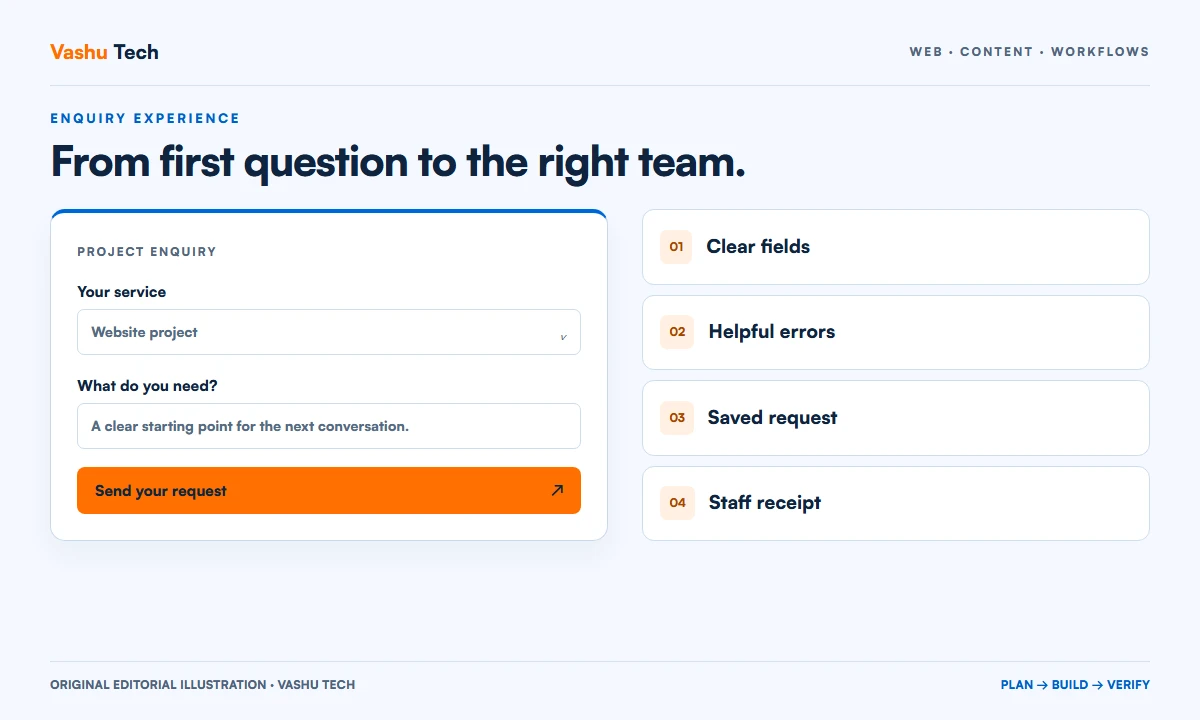
Choose useful quote-form fields, route enquiries clearly and plan confirmation and failure states before starting development.
Begin with the first useful response
A quote form should collect enough information for the next conversation. Ask the team answering enquiries what they need to decide who should respond and what to ask next. A project description, contact details and a relevant service selection may be sufficient. Detailed specifications can often wait until someone has reviewed the request.
Do not copy every field from an internal sales document onto the public website. Internal classifications may mean nothing to a prospective customer. Label fields in customer language and explain unfamiliar choices. If a question is optional, say so clearly instead of leaving visitors to discover the requirement through an error.
Make the service and location context useful
A visitor arriving from a city-specific page should not have to reconstruct the entire context in a message. Plan whether the form should retain the selected service or source page. Make any visible selection editable when the visitor may be asking about a different requirement. Do not use a city page as evidence that the visitor lives there.
When phone contact matters, explain how the number will be used and accept the formats your team supports. Decide how to handle international enquiries rather than silently rejecting them. Request a preferred contact time when it changes follow-up, and provide a place for the customer to specify a time zone.
Plan accessible guidance and recoverable errors
Use visible labels, concise instructions and clear required-field indicators. Tell visitors which value needs correction and preserve their valid entries after a failed attempt. A generic error at the top of a long form can leave someone searching for the problem. Keyboard users should be able to reach and operate every control.
W3C's forms tutorial covers labels, instructions, validation and feedback. Use those concepts as implementation guidance, then test the finished form with real examples. Accessibility review should include the error state and confirmation message, not just the empty form shown in a design mockup.
Verify receipt instead of assuming delivery
Define where accepted enquiries are stored and how staff will be notified. A visitor-facing success message should follow confirmed acceptance by the application. Email notification is a separate step that needs its own evidence. Agree what the system should do if notification is delayed while the enquiry itself is safely recorded.
Use controlled test data to check routing, duplicate clicks and invalid input before launch. Verify that the intended staff account can find the saved enquiry and that unauthorized accounts cannot view it. Keep test requests out of normal sales reporting where possible.
Agree ownership after launch
Assign responsibility for monitoring new enquiries and reviewing delivery problems. A form can work correctly while opportunities are missed because no one owns follow-up. Write down the expected response process without promising a response time the business cannot support.
For a new build or a form repair, share the current page, required fields and receiving workflow with Vashu Tech. A focused review can establish whether the problem is presentation, validation, storage, notification or staff access before changes are scoped.
Further reading
Official guidance for this topic.
Explore Website Development or discuss your project with Vashu Tech.
Choose fields by the decision they support
For each proposed field, ask what the responding team will do differently because of the answer. A service selection may determine assignment; a project description may determine the first question. If an answer does not change the initial response, consider collecting it later. This keeps the form focused while preserving the information needed for a useful conversation.
Budget and timing questions deserve particular care. Explain whether a range is optional and provide choices the business actually understands. Avoid demanding a precise amount from someone who is asking for an estimate. If a deadline is relevant, ask whether it is fixed or preferred. A customer choosing a date should not be interpreted as receiving a delivery commitment.
Write labels that reduce uncertainty
Use a visible label for every control and place short guidance near the question it explains. Project details can include a helpful prompt such as the current website, the problem and the desired change. Keep examples distinct from the customer's input. A placeholder that disappears while someone types is a poor place for instructions they may need to check again.
Describe the next step beside the submission action. Tell visitors whether they are requesting a discussion or placing an order, using wording approved by the business. Avoid implying that an estimate is confirmed simply because a form was accepted. If a service has eligibility or coverage limits, explain them before the visitor invests time in a detailed submission.
Treat duplicate submission as a real workflow
People may click again when a connection is slow or a response is unclear. Decide how the application should handle repeated attempts without losing a legitimate request. A disabled button can communicate progress, but the underlying process also needs to distinguish an already accepted submission from a new one. The expected behaviour belongs in the development scope.
Review what happens after a refresh or return to the page. A visitor should not be left guessing whether a request exists. Staff also need a way to identify duplicates without confusing them with separate enquiries from the same customer. Use controlled examples to agree the rule; do not silently merge requests using a person's name alone.
Map routing and fallback ownership
Document ordinary routing rules with examples. A request for maintenance might go to support, while a new build goes to the project team. A request mentioning several services may need a general owner. Define that fallback before automating assignment. Customers should not need to understand the internal organization to choose a valid destination.
Consider staff absence and changes in responsibilities. If a route depends on one person's email address, name the owner of updating it. A shared queue may be appropriate, but access should follow business permissions. Notifications should include enough context to act without exposing unnecessary personal information to people outside the responsible team.
Worked example: a consultancy with two enquiry paths
Imagine a fictional consultancy offering new website projects and ongoing maintenance. The public form asks for the service category, contact information and a short description. A maintenance enquiry includes the affected page when available; a new-project enquiry can begin without a live site. Both routes accept a customer who is unsure and send that request to a named fallback queue.
Acceptance covers more than the happy path. Check a valid request for each service, an unsure selection, missing contact details, repeated submission and delayed notification. Confirm the stored request and permitted staff visibility. The example illustrates a workflow to discuss; it does not describe a Vashu Tech client or promise that every project needs those exact fields.
Measure usefulness without confusing the numbers
Define what a submitted enquiry means before reporting it. A visit, a button click, an accepted form and a qualified opportunity are different events. The website can verify certain application actions, while qualification depends on the sales process. Keep the reporting terms clear so teams do not mistake an interface event for a business outcome.
Review whether the collected fields help staff respond and whether visitors repeatedly struggle with a question. Make changes using authorized evidence and avoid adding tracking merely because a platform makes it easy. Assign an owner to review the form when services or routing change. A well-planned form needs operational maintenance as well as an initial build.
A practical review checklist
- Give every field a stated purpose in the first response.
- Keep visible labels and practical examples available during typing.
- Specify success, invalid input, slow connection and retry behaviour.
- Confirm ordinary routing, unsure requests and fallback ownership.
- Test stored receipt, staff access and email notification separately.
- Assign an owner for future changes to fields and recipients.
Questions about putting this guide into practice
Is a shorter form always better?
The form should be as short as the next decision permits. Removing a necessary question can create extra back-and-forth, while adding every sales question can create avoidable work for visitors. Review each field against its actual purpose instead of targeting a universal field count.
Can the page automatically select the service?
It can supply useful starting context when implemented, but the visitor may be asking about something else. Decide whether the selection should be visible and editable. Retain source-page context separately if staff need it, and do not treat the page as proof of the visitor's location.
Does a success message prove the email arrived?
No. Acceptance by the application, durable storage and delivery of a notification are separate checks. Agree what the message promises and verify the receiving workflow. Staff should have an appropriate way to find accepted enquiries when a notification is delayed.
Plan your next step
Discuss a scoped project with Vashu Tech. Share your current website, intended audience and the specific task you want to improve. We can review the starting point, required inputs and acceptance checks before estimating the work.