
Remote website design for Phoenix businesses, focusing on understandable services, mobile enquiry paths and manageable content updates.
Areas we serve
Web Design & Development in Phoenix
Remote website design for Phoenix businesses, focusing on understandable services, mobile enquiry paths and manageable content updates.
Scope-ledYour requirements first
Clear estimatesBased on agreed work
Review pointsDefine acceptance checks
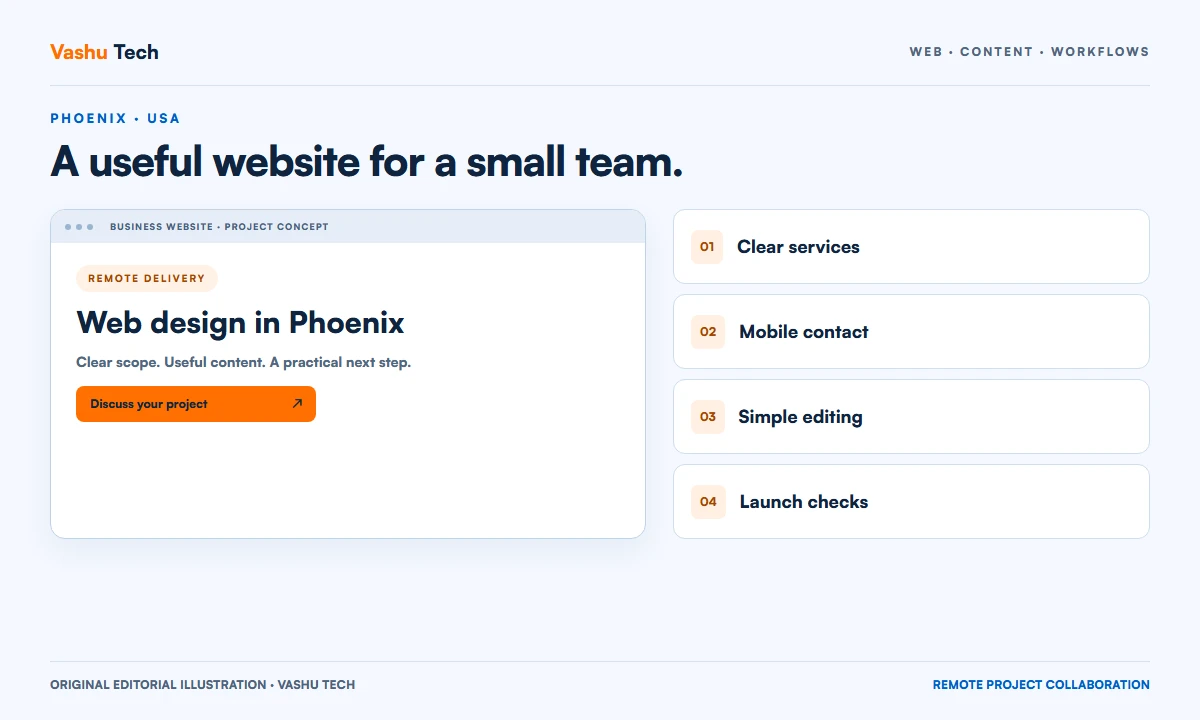
Explore this page Services, project examples and delivery details
02
Your project requirements
03
Help visitors understand the next step
A small business website should answer a few important questions well: what you do, who the service suits, where it is available and how to ask about it. For a Phoenix business, Vashu Tech can discuss a concise site structure that presents those answers without forcing visitors through unnecessary pages.
Bring the actual service list and customer questions. If availability varies by service or area, explain that difference clearly. Do not substitute a long location list for accurate information about what the business can deliver.
04
Plan the phone journey deliberately
Review how a visitor moves from the first page to a relevant service and an enquiry action on a small screen. Buttons, navigation and forms need to remain usable with realistic content. Avoid relying on a desktop design image as proof of responsive behaviour.
Contact actions should match the business process. If a form is the preferred starting point, explain what information helps. If a phone number is published, confirm that it is correct and maintained. Support hours or appointment availability should only appear when the business has approved them.
05
Keep maintenance practical
Choose page layouts and editing tools that staff can use after handover. An existing WordPress site may benefit from component cleanup, clearer content or a focused repair. A new website should have a confirmed content owner and a manageable page inventory.
Record who owns hosting, the domain and any paid extensions. Maintenance and new feature development are different scopes. Ask for the handover to demonstrate real edits and to identify the backup and support responsibilities.
06
Agree scope before launch
Set review milestones and confirm Phoenix meeting times explicitly. Test valid and invalid form input, the staff receipt process and essential links. Include keyboard access and representative phone and desktop layouts in the review.
Send Vashu Tech your website address, main service and the difficulty you want to resolve. An estimate can then reflect the actual content and implementation work instead of assuming a package or guaranteed business outcome.
07
Explore service scopes
08
Discuss your Phoenix project
Request a scoped quote with your website, intended audience and required change. Do not send passwords through the public form.
09
A project scenario for an owner-managed business
Consider a fictional Phoenix service business where one person manages customer requests and occasional website edits. The current site may contain outdated service text and a confusing contact route. A focused project could prioritize a clear offer, accurate contact information and a form that collects enough context for the next conversation, without introducing an unnecessary application.
The business owner can begin with the current website, the services actually available and the questions customers ask most often. Those inputs help define a manageable page list. This is a planning example, not a claim that Vashu Tech has completed work for a particular Phoenix business.
10
Make the first phone visit understandable
Review what a visitor can learn before scrolling through a long page. The service, relevant coverage and next action should be clear. Contact controls need useful labels and should not compete with several unrelated offers. Check real content lengths rather than assuming a short sample heading represents the finished page.
For a form, explain what the customer should provide and what happens next. Keep validation guidance helpful and preserve valid entries after an error. If phone contact is offered, verify the number and the business's own wording about availability. Do not add a support-hours promise merely to fill a design component.
11
Keep editing tasks small and repeatable
Identify the updates the owner will make: a paragraph, a service detail or a replacement image. Choose reusable components that support those tasks without requiring a new layout each time. An existing WordPress site may be suitable for focused cleanup if the underlying workflow is still appropriate.
Handover should use the actual editor to demonstrate a routine change and its public result. Record which areas need technical support. Keep domain, hosting and renewal ownership understandable so a small team is not dependent on undocumented access when an urgent update is needed.
12
Define a first release the business can operate
Agree the essential pages and defer optional ideas that do not support the first customer journey. Content readiness and approval should be visible in the schedule. Confirm meetings using Phoenix local time and dated invitations instead of assuming a constant offset from another team's location.
Before launch, test the service-to-enquiry path, error correction and staff receipt. Review a representative phone and desktop layout and check important links. The proposal can then distinguish the initial build, third-party costs and later maintenance so the owner knows what has actually been included.
13
Choose the right website scope before choosing features
Website design addresses the hierarchy, presentation and interactions that help visitors understand an offer. Development implements the templates, forms and selected functionality. A WordPress project may emphasize editing and supported customization, while a Laravel application may be appropriate for confirmed roles or specialized workflows. The choice should follow the requirement and the existing environment rather than a preference for the largest build.
Bring a representative user journey to the discussion. Explain who visits, what they need to understand and what should happen after an action. If the current website already supports that journey, a focused improvement may be enough. If it does not, identify the gap before deciding which platform or feature belongs in the proposal.
14
Discovery, design and implementation milestones
A practical discovery stage records the audience, page inventory, content owners and operational dependencies. Design review then uses representative copy to establish the page hierarchy and reusable components. Implementation follows the agreed behaviour, including validation and staff-facing responsibilities. The precise stages depend on the selected work; they are a planning framework, not a promise that every project includes every service.
At each milestone, name the reviewer and the decision needed to continue. Keep a short record of approved work and open questions. Missing copy, account access or business rules can affect the schedule. Making those dependencies visible is more useful than agreeing a launch date that assumes they have already been resolved.
15
Content, images and accessible interaction
Use approved service information and images that explain the page's actual subject. A relevant original diagram can show a workflow without implying a completed client project. Photographs need appropriate rights and accurate context. Keep alternative text meaningful, preserve readable type and review the layout with real headings rather than short placeholders.
Motion should guide attention without making essential information depend on an effect. The page needs to remain understandable with reduced motion and on smaller screens. Review keyboard operation, visible controls and helpful form feedback alongside visual polish. These checks support usable delivery; they do not establish a legal compliance certification or a business outcome.
16
Test the customer journey and the receiving workflow
Acceptance should follow a realistic visitor from the relevant service explanation to an appropriate next step. For a form, check valid input, invalid input and correction. Confirm that the application accepts the request and that the intended staff role can find it. Where notification is included, verify that separately instead of assuming a success message proves email delivery.
Use controlled examples and coordinate tests with the people receiving them. Check representative phone, tablet and desktop layouts, important links and the editing tasks that belong in handover. Record what was actually exercised and any provider or account dependency that remains. A reviewable result explains both the implementation and its practical limits.
17
Understand estimates, exclusions and ongoing responsibility
The current website, selected page types, content volume, integrations and verification requirements influence the estimate. Domain registration, hosting, commercial licences, advertising spend and ongoing support can be separate costs. Ask the proposal to identify them explicitly. A request for a quote begins a scope discussion; it does not establish a fixed price or automatic project availability.
After launch, name the owners of accounts, content updates and maintenance. Handover should demonstrate routine tasks and identify work that still needs technical support. Recovery and backup responsibilities should reflect the actual environment. These operational details help the business maintain the website instead of receiving an attractive interface with unclear ownership.
18
Prepare a useful remote project brief
Send the public website address or a short outline of the proposed site, your main audience and the change you need. Include representative services, examples of current difficulties and any real deadline. Explain who will supply copy and approve the work. If integrations are involved, name the system and account owner without placing credentials in the public form.
Confirm a communication channel and suitable review window with the delivery team. Keep decisions and feedback available in writing between meetings. The city-specific information on this page describes a remote service arrangement and planning examples; it does not establish local premises, past clients, guaranteed response times or a promised ranking. Those boundaries keep the project discussion accurate and useful.
19
A practical review checklist
- Confirm the current service list and public contact details.
- Identify the first customer action the website should support.
- Prepare real copy and images for representative mobile review.
- List the few editing tasks the owner needs to perform.
- Use Phoenix local time in dated meeting invitations.
- Verify enquiry receipt and demonstrate a routine content update.
20
Plan your next step
Discuss a scoped project with Vashu Tech. Share your current website, intended audience and the specific task you want to improve. We can review the starting point, required inputs and acceptance checks before estimating the work.
21
Planning the right fit
Audience, scope and coordination for Web Design and Development in Phoenix.
Who this is for
Phoenix local service businesses and small teams looking for a clear business website or focused improvements to an existing site.
Scope and deliverables
Agreed page structure and content responsibilities. Responsive design and selected development work. Enquiry-path verification and an agreed handover. Exact inclusions, costs and support are confirmed in the proposal.
Working in your area
Confirm meeting times using Phoenix local time and a dated invitation rather than assuming a fixed difference from another city. Delivery is remote; no Phoenix office is claimed.
22
Questions about Web Design and Development in Phoenix
Answers to help you plan the scope and next steps.
Does Vashu Tech have an office in Phoenix?
This page describes remote services for businesses in Phoenix, Arizona, USA. It does not claim a local office or on-site attendance.
What affects the project cost and schedule?
The current website, confirmed deliverables, content readiness, integrations and review requirements determine the estimate. Hosting, licences and ongoing support are identified separately.
How do we begin a remote project?
Share your website or project outline, audience and intended outcome. We can discuss the scope, communication schedule and acceptance checks before providing a proposal. Do not send passwords through the public enquiry form.
Can we start with a smaller website?
Yes. A focused site can be appropriate when it explains the offer and supports the essential customer action. Define what is needed now and keep optional additions visible as later work rather than increasing the first release without a clear purpose.
Will we be able to update the content ourselves?
The editing requirements can be included in the scope. Describe the tasks you expect to perform and review them in the delivered system. Some global or functional changes may still require technical support, which should be identified during handover.
Discuss your requirements
Plan your Web Design and Development in Phoenix project
Share your starting point and priorities. We can discuss the scope, required information and acceptance checks before providing an estimate.
Start a conversation
Tell us about your project.
Send your requirements to our team. Please leave out passwords and confidential access details.